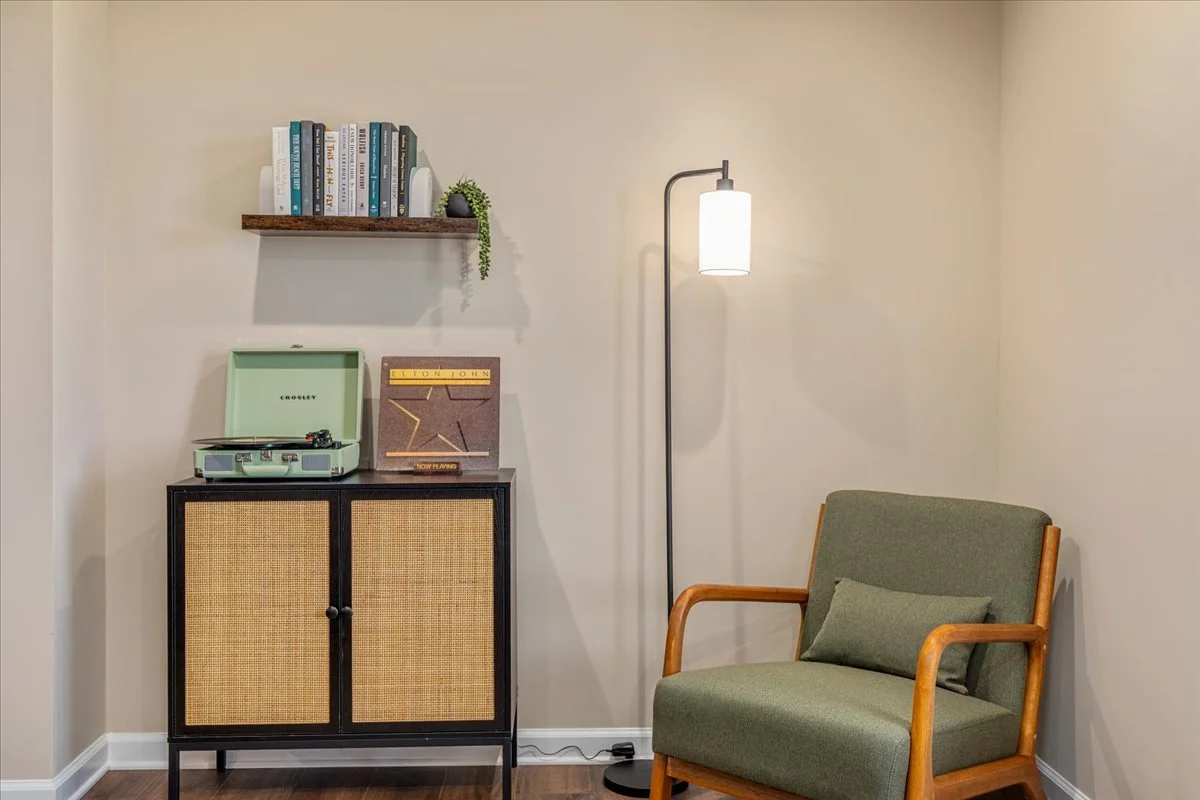
Record player instructions
Using the record player
Select your record, located in the cabinet below the record player.
Rotate the On/Off Volume Knob to turn on the power.
Set the Function Switch to PHONO position. Note: The Function Indicator will be red
Set the Speed Switch accordingly.
Place the record on the turntable.
Release the tonearm Hold Down Clip.
Use the Tonearm Lever to lift up the tonearm.
Gently move the tonearm over the record where play is desired to begin. Set the Tonearm Lever back to the down position, the tonearm will descend slowly onto the record and begin to playback.
When the record is finished playing, use the Tonearm Lever again to raise the tonearm and then return it to the Tonearm Rest. Release the lever to let the tonearm sit back at its rest. To suspend the playback, repeat the same steps.
Lock the Tonearm Clip to secure the tonearm
Using Bluetooth
This turntable features Bluetooth output which is a device that transmits audio from this turntable to another Bluetooth device such as wireless Bluetooth headphones, Bluetooth speakers, or other Bluetooth receiving devices.
Place the audio device that supports Bluetooth technology as close to your turntable as possible.
Set the turntable’s function switch to the middle position for Bluetooth output.
Note: The function indicator will slowly flash blue.
Set the device that you would like to connect to pairing mode. Your turntable will connect automatically to your audio device once they are both in pairing mode.
When the pairing is complete, the function indicator will be solid blue.